
Set up your Simora eSIM.
Everything you need to install your eSIM on iPhone and get online — it takes about two minutes.
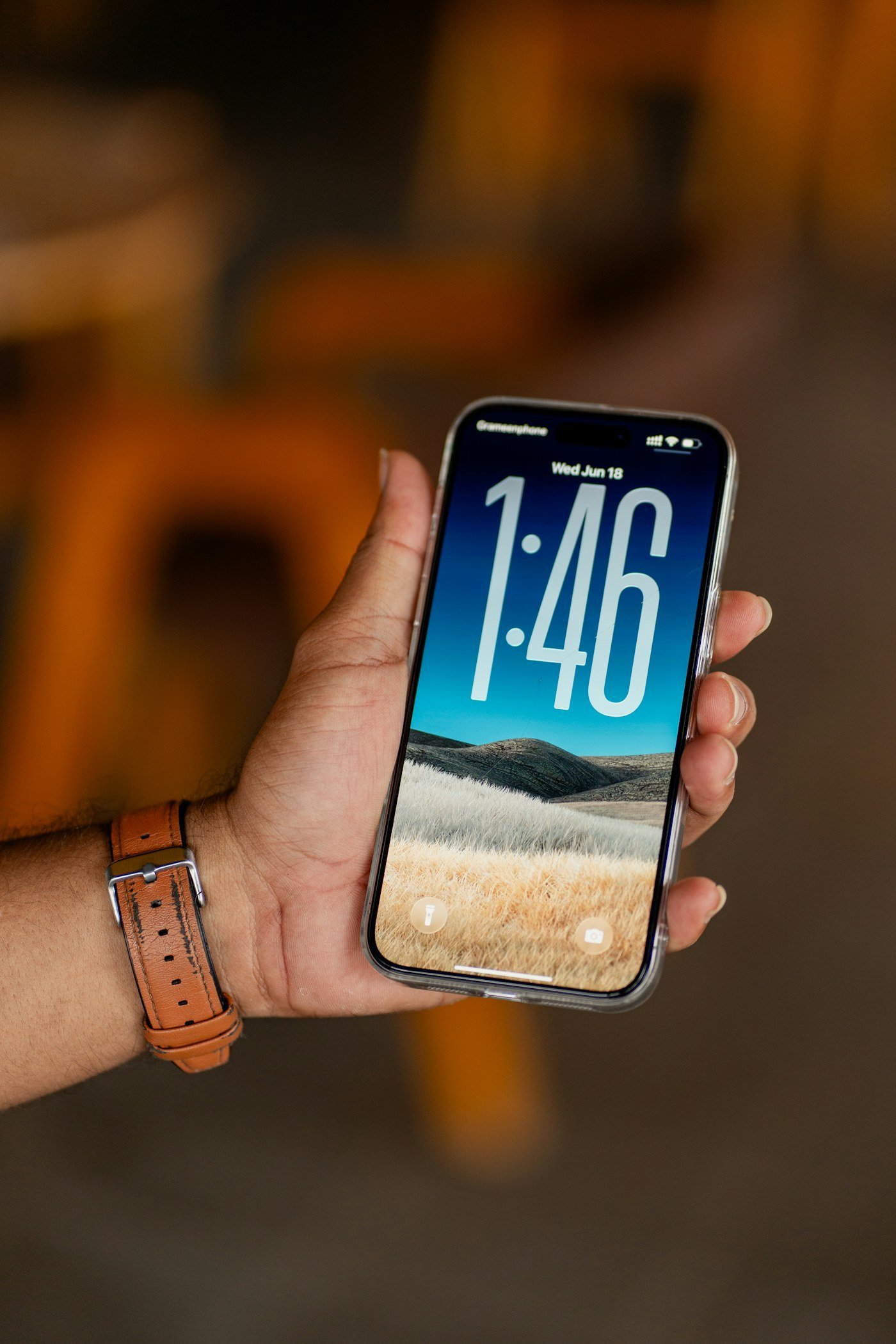
Install your eSIM
in two minutes.
Keep the QR code we send you handy, then follow these steps on your iPhone.
Connect to Wi-Fi
Make sure your iPhone is online before you begin.
Go to Settings → Mobile Data
Tap Add eSIM. On some iPhones this menu is called Cellular.
Scan your QR code
Choose Use QR Code and scan the code we sent you.
Label your eSIM
Name it “Simora” and select it for Mobile Data. Keep your main line for calls and SMS.
Turn on Data Roaming
Open the Simora line and switch on Data Roaming. That’s it — you’re connected.
Tip: Install while on Wi-Fi and don’t delete the eSIM afterwards — most QR codes can be installed only once.
Questions,
answered.
Can’t find what you’re looking for? Our team is just one message away.
What is an eSIM?
An eSIM is a digital SIM built into your iPhone. Instead of inserting a plastic card, you scan a QR code to download your plan — and your regular SIM can stay active at the same time.
Will Simora work on my non-PTA iPhone?
Yes — as long as it’s a factory-unlocked iPhone that supports eSIM and it passes both checks in our eligibility check. JV iPhones are not supported, even if they show an EID number.
How do I know if my iPhone supports eSIM?
Your iPhone must pass both of these checks:
- Dial *#06# — an EID number must appear on screen.
- Go to Settings → General → About → Carrier Lock — it must say “No SIM restrictions”.
If either check fails, the eSIM won’t work. JV iPhones are not eligible, even if an EID appears.
Do you have eSIMs for travel abroad?
Yes. Besides our Pakistan plans, we have eSIM data packages for 190+ countries. Send us your destination and travel dates on WhatsApp and we’ll share the right plan — install it before you fly and you’re online as soon as you land.
How quickly will I receive my eSIM?
Your QR code and installation instructions are sent shortly after your payment is confirmed — usually within minutes.
Do I get a phone number?
No — Simora eSIMs are data-only. You can still call and message over WhatsApp, FaceTime and other apps, and keep your main SIM for regular calls and SMS.
Can I recharge my eSIM?
Yes. When your data runs low, simply recharge the same eSIM with a new package — no new QR code or reinstall required.
Can I reinstall the eSIM if I delete it?
Most eSIM QR codes can be installed only once, so please don’t delete the eSIM from your iPhone. If something goes wrong, message us and we’ll help you sort it out.
Wherever you go,
stay connected.
Get your Simora eSIM in minutes and stay online across Pakistan and beyond — no SIM swaps, no queues.